
为团队获取 Ant Messenger 官方客户端
Get Ant Messenger Official Client for Your Team
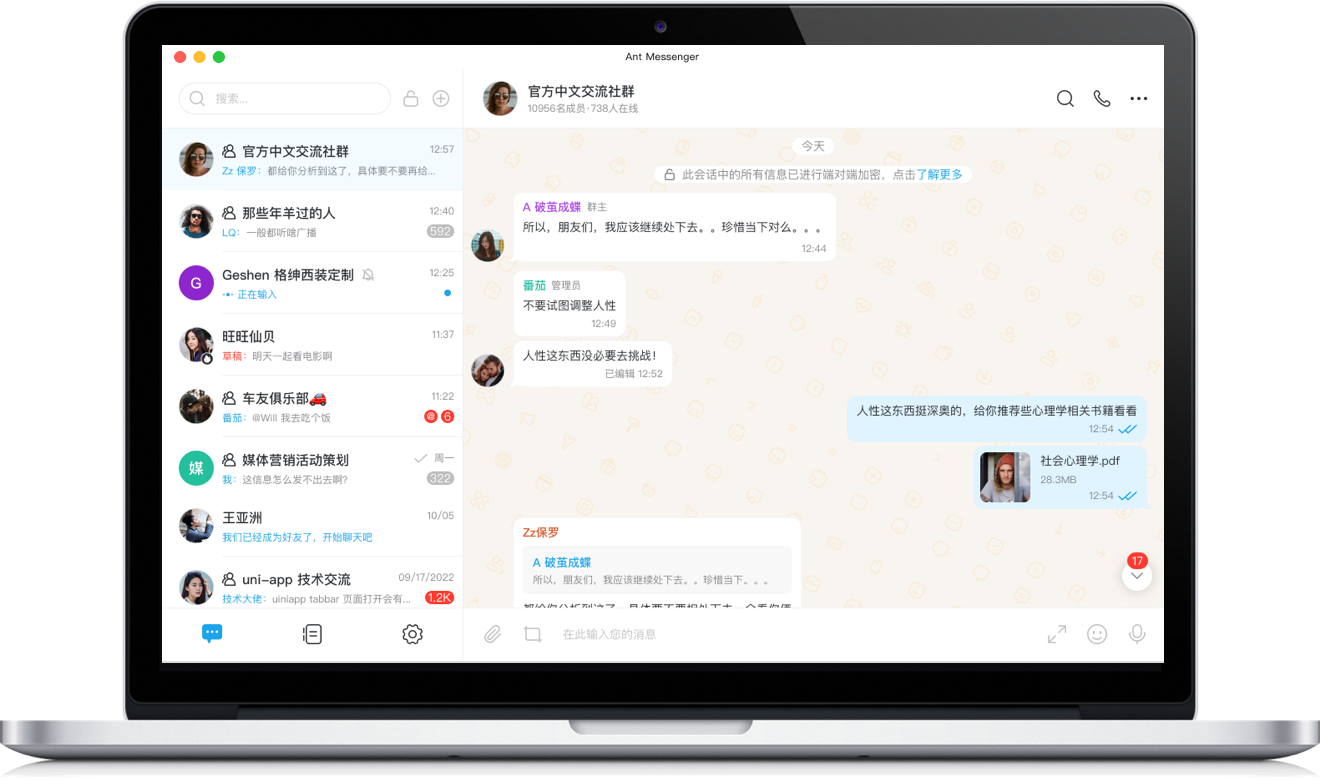
Windows版
Windows
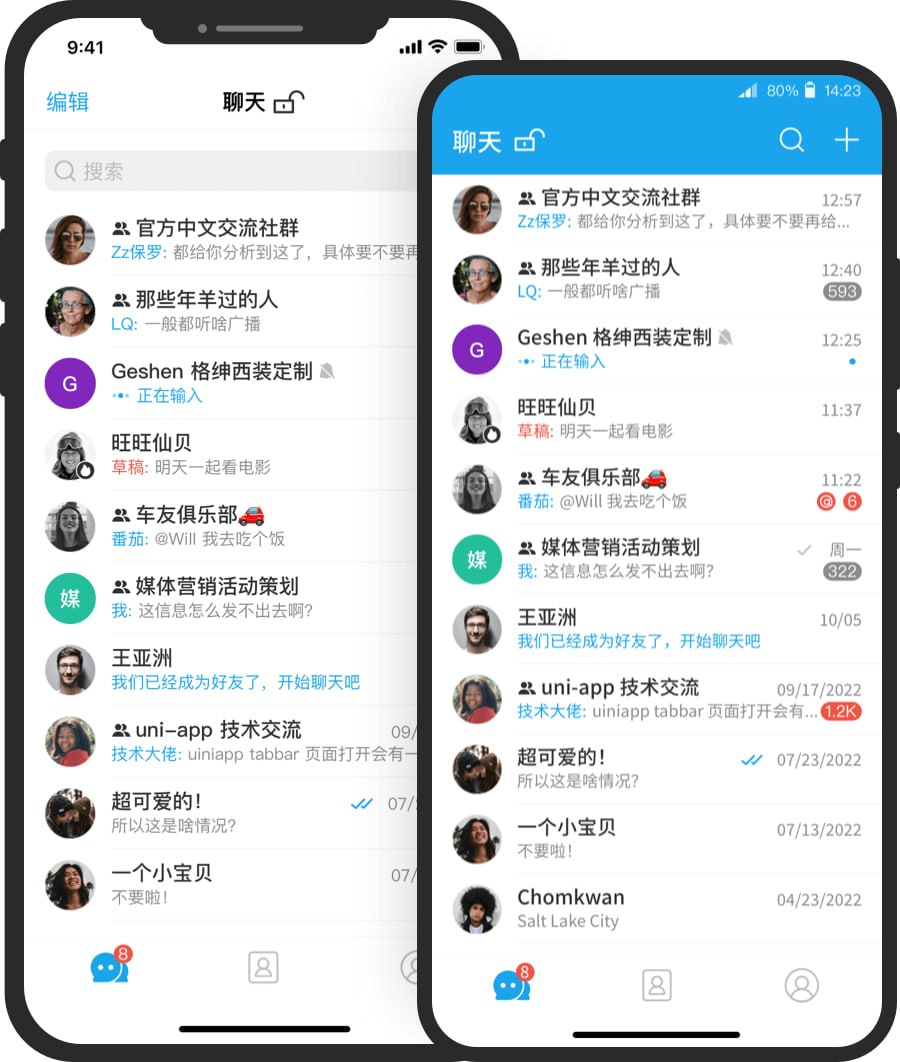
手机版
Mobile
为什么团队选择 Ant Messenger
Why Teams Choose Ant Messenger?
团队端到端加密
Team End-to-End Encryption
团队聊天内容在收发两端完成加解密,即使经过服务器中转,企业机密也无人能够窥探。
Team chats are encrypted and decrypted only at the two ends, so business secrets in between can never be read.
免费开源赋能企业
Free, Open Source for Enterprises
源码公开可查,不含广告、不设订阅、不采集数据,团队可长期免费使用并自主二次开发。
Open-source and transparent: no ads, no subscriptions, no data harvesting — safe for long-term team use.
多平台协同办公
Cross-Platform Collaboration
覆盖 Windows、Android、iOS、macOS 等主流平台,团队成员聊天记录各端实时一致、无缝协作。
Works across Windows, Android, iOS, and macOS, keeping every team member's conversations in sync everywhere.
企业私有化部署
Enterprise Private Deployment
可将服务搭建在企业自有服务器,数据全程自主管理,轻松满足团队与行业合规要求。
Host the service on your own servers for complete data autonomy, meeting team and industry compliance.
团队安装与下载答疑
Team Download & Install FAQ
Windows 版对团队办公系统有什么要求?
What are the Windows requirements for team use?
建议团队在 Windows 10 或更高版本的 64 位系统中安装运行,兼容常见办公环境。
Teams are recommended to run on Windows 10 or later with a 64-bit system, compatible with common office environments.
桌面端怎么登录团队账号?
How to sign in on the desktop for a team?
先在手机上安装并注册 Ant Messenger,再用桌面端展示的二维码完成扫码验证,即可登录并加入团队会话。
Install and register Ant Messenger on your phone first, then scan the QR code on desktop to sign in and join team conversations.
移动端从哪里获取?
Where can I get the mobile app?
可在手机应用商店中搜索 Ant Messenger 完成安装,也可以直接点击本页的移动端下载按钮。
Search for Ant Messenger in your device's app store, or tap the mobile download buttons on this page.
团队使用 Ant Messenger 是否安全?
Is Ant Messenger safe for team use?
非常安全。软件采用金融级端到端加密,并提供阅后即焚、双向删除、防截屏等保护,源码开放可供企业审计。
Absolutely. It uses financial-grade end-to-end encryption, plus self-destruct, mutual deletion, and screenshot protection — all open to enterprise audit.